

Non-conformities get logged from a photo, not from memory
You photograph the defect, AI drafts the finding and a person confirms it before anything is saved.
Quality control in Matterial starts with a photo. The site engineer photographs badly lapped rebar, honeycombing in a pour or a finish outside tolerance, and vision AI drafts a finding: category, severity, description and corrective action. It is an editable draft —nothing is stored until someone reviews it— so the AI does the writing and the technical judgement stays with the engineer. From there the finding has an owner, a due date and a thread where it is discussed until it closes.
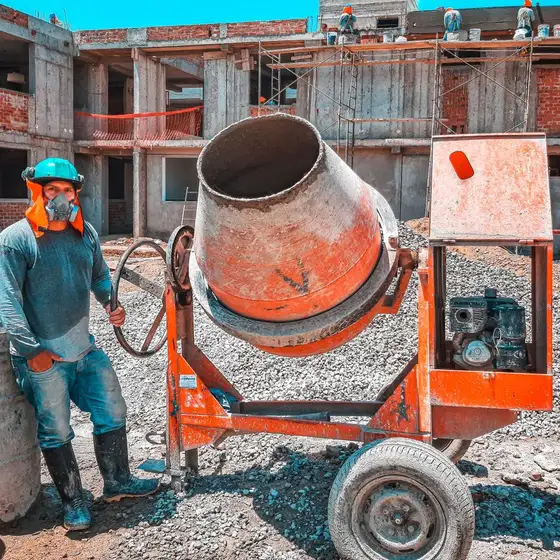 Slab pour
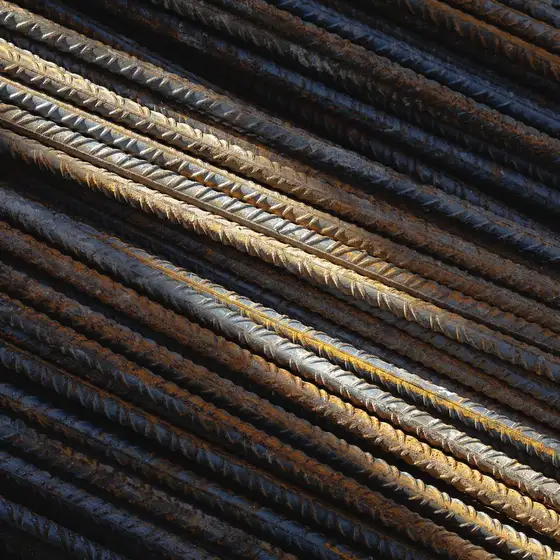 Rebar #4
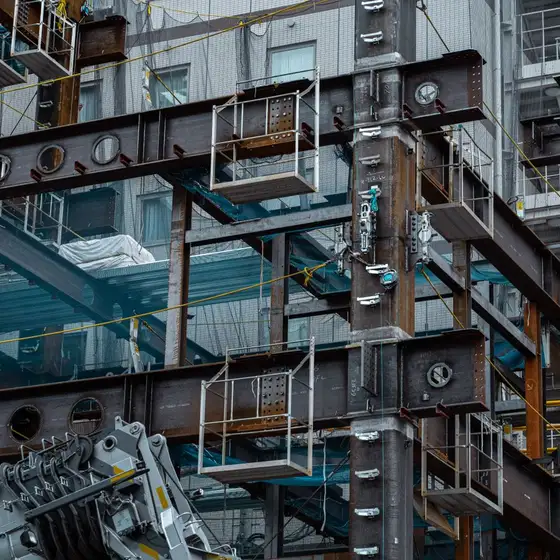 Structure
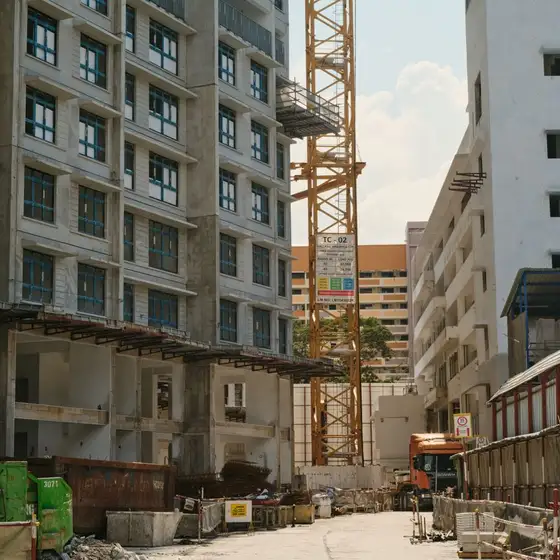 Front
FrontLevel 2 slab was poured. Rebar #4 arrived (2.4 ton). Crew of 8. Pending: electrical materials missing.
What problem it solves
Quality is usually controlled verbally and over chat: the engineer spots the defect, mentions it in the group and trusts someone will fix it. There is no list of what is open, who owns it or when it was closed. When the client or the supervising engineer pushes back, the record that shows what was found, what was done and with what evidence simply does not exist.
How it works
Photograph the defect
From your phone at the work face: rebar, formwork, pours, MEP or finishes.
AI drafts the finding
It reads the image and suggests category, severity, description and corrective action. If it sees no clear defect it says so, and you can still log it.
A person confirms it
The draft is editable field by field: you fix whatever the AI misread, adjust the severity and add the location before saving.
It gets assigned and closed
The finding carries an owner, a due date and comments; it moves to in progress and then to closed with its closing date.
What's included
- Photo to AI-drafted finding: category, severity, description and action, always editable
- Inspection checklists per work package: steel receiving, pre-pour check, finish handover
- Findings with a real owner from your team, a due date and a notification to the assignee
- A comment thread per finding, with the photo and the recommendation in view
- Open, in progress and closed cycle, with closing date and the option to reopen
- Quality photos feed the project photo gallery as documentary backup
Who it's for
Works with the rest of Matterial
Coming from another tool?
Frequently asked questions
How does AI-assisted quality control work on site?
You upload a photo of the work face and vision AI drafts a finding: what it observes, which category it falls into, how serious it is and what to do. It is a proposal, not a verdict: the draft is editable and is only stored once a person confirms it.
Does the AI decide whether the work is defective?
No. It describes what is visible in the photo and suggests a classification so you do not have to write it from scratch. The technical call —demolish, patch or accept— stays with whoever is responsible for the work, exactly as it does today.
Can I run inspection checklists?
Yes. You create a checklist per work package, add the points to verify and answer it on site; you see how many points are checked out of the total, and the checklist stays tied to the project.
How do I prove a defect was corrected?
Every finding keeps its photo, its date, who took ownership and the follow-up conversation; closing it records the closing date. That history is the record you show to the client or the supervising engineer.
Get started today with Matterial
From blueprint to build, with clarity. Try it free, no card.