

The hazard you spot on the walk gets documented, with an owner and a date
Photo of the hazard, AI-drafted finding, human confirmation and closure with someone accountable.
Matterial’s safety module exists so the site walk leaves a record. You photograph the unbraced scaffold or the unshored trench, vision AI drafts a finding with severity and corrective measure, and the person responsible confirms it before it is saved. Alongside it sits the risk matrix: hazard, probability and severity from 1 to 5, control measure and status. The tool documents and follows up; spotting the hazard in the field remains the job of the person walking the site.
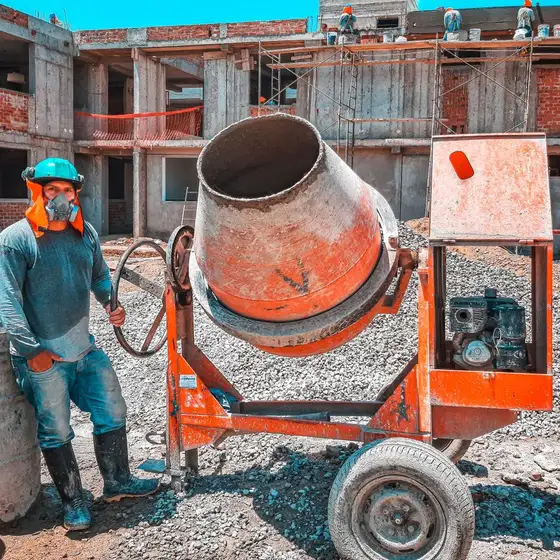 Slab pour
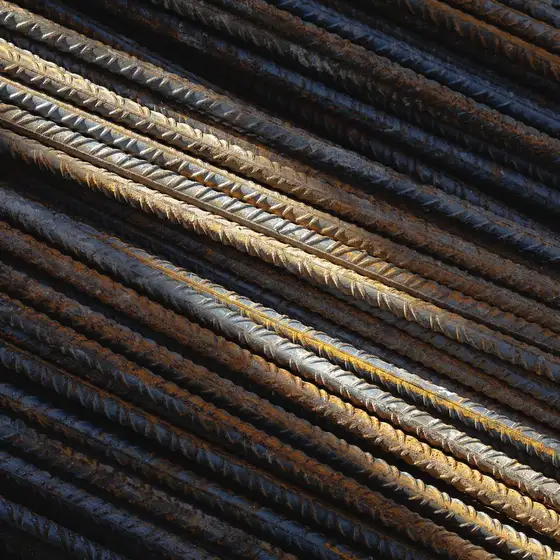 Rebar #4
 Structure
 Front
FrontLevel 2 slab was poured. Rebar #4 arrived (2.4 ton). Crew of 8. Pending: electrical materials missing.
What problem it solves
The safety walk happens, but it rarely gets written down: it is corrected verbally and forgotten. When an incident occurs —or an inspection turns up— there is no way to show the hazard had been spotted, who was supposed to handle it and when it was controlled. And the risk matrix, if it exists at all, lives in a spreadsheet nobody has touched since the job started.
How it works
Photograph the hazard
On the walk: missing PPE, work at height without protection, unsafe scaffolding, electrical hazards, unshored trenches, housekeeping.
AI drafts the finding
It suggests category, severity and corrective measure from what is visible in the photo. If it does not recognize a clear hazard it says so, and you log it anyway.
The person responsible confirms
The draft is edited before it is saved. Severity is set by whoever knows the site and the task, not by the model.
It gets controlled and closed
The finding carries an owner, a date and comments; a recurring hazard moves into the matrix with its control measure and is marked mitigated once it is.
What's included
- Photo to AI-drafted hazard finding, editable before it is saved
- 5×5 risk matrix: probability times severity, scored low, medium or high
- A control measure per hazard, with active or mitigated status
- Findings with a real owner from your team, a notification to the assignee and a due date
- Open, in progress and closed cycle, with closing date and the option to reopen
- Pre-start inspection tied to each machine in the Equipment module
Who it's for
Works with the rest of Matterial
Coming from another tool?
Frequently asked questions
Does the AI find site hazards on its own?
No, and we will not sell it that way. It reads the photo you upload and drafts the finding so it gets written down in seconds, but it does not walk the site and it cannot guarantee it sees everything in the frame. The walk and the judgement belong to the person responsible for safety; what you gain is that no finding is lost because nobody felt like writing it up.
What is the risk matrix and how is it scored?
You log the hazard and give it a probability and a severity from 1 to 5. Matterial multiplies them: 1 to 6 is low risk, 7 to 14 medium and 15 to 25 high. Each hazard carries its control measure and is marked mitigated once that measure is in place.
Does it help me meet my safety obligations?
It gives you the documentary record —dated finding, photo, owner, control measure and closure— that is normally required to show follow-up to an inspector, a supervising engineer or a client. It does not replace your safety programme or the regulations that apply on your site.
Does it cover pre-start machine checks?
Yes. The pre-start inspection lives in each machine’s record: the operator answers the list before starting up, and every item that fails opens a corrective maintenance ticket on that machine.
Get started today with Matterial
From blueprint to build, with clarity. Try it free, no card.